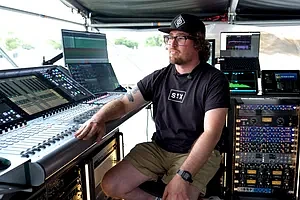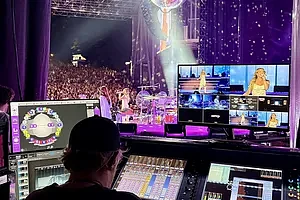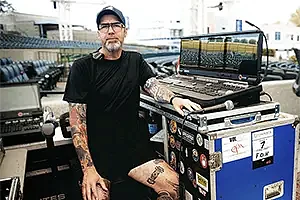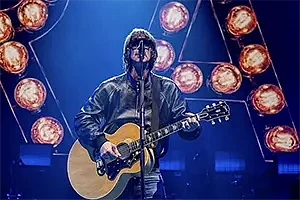
FOH engineer, Mike Platt, has worked with Tom Walker since 2017, when he was part of a three-piece support act for The Script. The Scottish artist's rise to fame has been quick: since then he has secured a 2019 BRIT Award, and his debut album, What A Time To Be Alive, peaked at the top spot in the UK Album Chart.
This meant Platt and monitor engineer, Liam Shannon, opted for a pair of DiGiCo SD10s to produce a bigger and bolder show for Walker’s UK and European tour.
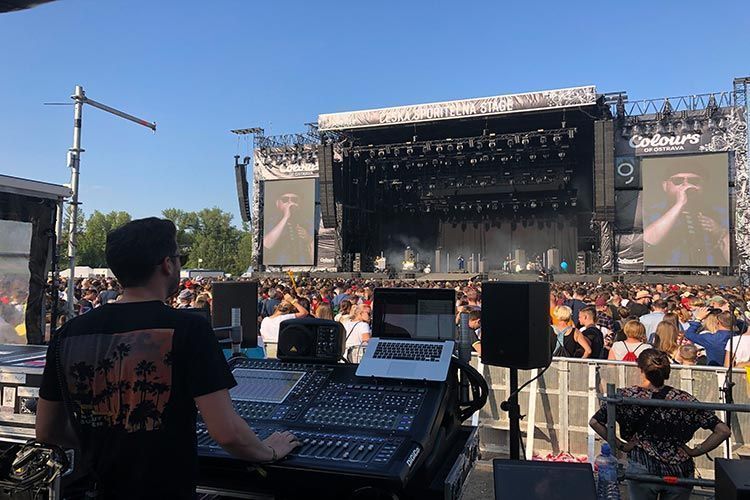
“I have been using DiGiCo for around 10 years now. It's always been my desk of choice,” says Platt, who has experience working on several of the SD range consoles. “My FOH setup comprises an SD10-24 and an outboard rack with some toys in."
"I chose the smaller SD10-24 for numerous reasons, but mainly for its size and power. I can easily get it to FOH and get it tipped without it being too much of an event. I also like to mix on one layer, so 24 fader channels makes me prioritise the channels that are most important for the show, and they live on the top.”
Platt does the majority of his processing from within the console, and effects-wise everything is being done on the DiGiCo.
“I know the exact effects sounds I want in my head, and I can get those results with the DiGiCo onboard stuff,” he reveals, adding that Walker's vocal chain has to be pretty long to get the desired control, whilst still allowing the artist's voice to sound natural. “From source, Tom has probably the largest dynamic range going: he goes from whispers, to blisteringly loud parts. To control this, I go through Channel EQ > Distressor > Channel Compression > Group Dynamic EQ > Group De-esser. Apart from the Distressor, the chain is all inside the box, and its intuitive control makes it easy.” Platt reveals that the ability to arrange fader banks within the console is quick and makes life that bit easier.
“Also, the Matrix panel on the DiGiCo is really powerful; you can send anything anywhere, which is extremely useful. And the Macros are a very powerful tool – and so customisable. I use hot keys to turn gates on and off on certain channels in certain parts of songs, and save and update scenes.”Ease of connectivity is another key feature: “I know it sounds simple, but being able to rock up to a festival and give broadcast one line of MADI at 48kHz for their feed is amazing! Festival load-ins are fairly stressful as it is, so that’s something that’s very important that you don’t have to worry about.”
However, Platt's most important features are the audio I/O and copy audio sections. “Being able to listen to the inputs directly from the rack before channel processing is such a nice tool, and all the control of splits and sharing is great.”
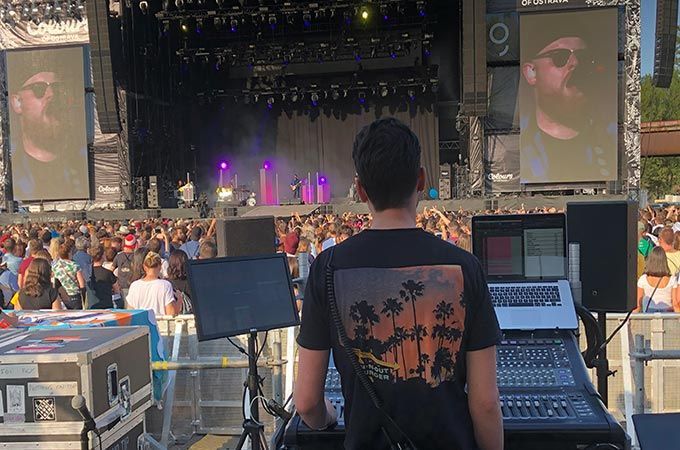
Shannon has been operating on DiGiCo for four years now, going from an SD9, to an SD10-24, and most recently to a full-size SD10.
“The SD10 has been complemented by an SD-Rack running at 96kHz with full 32-bit I/O card upgrades. DiGiCo just compliments my ideal workflow perfectly,” he enthuses. Describing the upgrade to 32-bit I/O as a 'no brainer', Shannon says the lower noise floor cleans everything up so much when running around 56 channels.
“I could hear the difference immediately in the songs where instrumentation gets incredibly busy and louder; there was more space in the mix – the same mix I’d been using built from the standard I/O cards,” he recalls.
This led the team into using another 'awesome' feature that DiGiCo offers, which is MIDI recalls Snapshots. “If for any reason I needed to leave the desk, I'd enable MIDI recalls Snapshots and not have to worry about returning to the desk to trigger the next song's parameters,” Shannon explains. “The band all play to click, and our playback rig shoots out a MIDI note into the DiGiCo, those MIDI notes are then assigned a Snapshot/Scene, so whatever track our playback is playing it pulls up the correct Snapshot for that song.”